1. Inside a Scaniverse .USDZ File
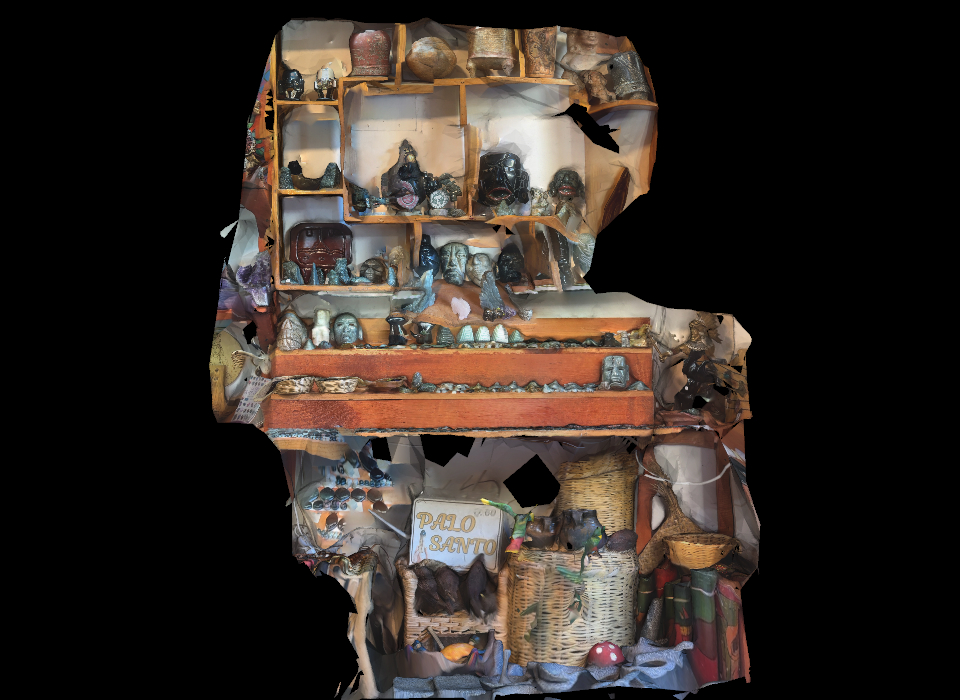
Every Scaniverse .usdz archive contains two files: the 3D triangle mesh (.usdc) and a single image file named 0/texgen_0.jpeg. That JPEG is a UV Texture Atlas—thousands of tiny camera photo patches packed into a square like a jigsaw puzzle.
2. Why You Saw the Raw Jigsaw Puzzle
Earlier, we used 0/texgen_0.jpeg as the poster="..." placeholder on <model-viewer>, and opened the page via a local file:// URL where Chrome blocks 3D fetches—leaving the viewer stuck displaying the raw UV jigsaw mosaic instead of the 3D mesh!
3. How This New Lab Fixes It
This lab eliminates the UV-mosaic poster completely, renders both sides in synchronized Three.js WebGL viewports with Orbit + Pan + Double-Click-to-Focus + 1-Click Camera Presets, and lets you launch the native .usdz file in 1 click.
 📦 Open Native .USDZ (Quick Look / AR)